SuiteCRM Logic Hook Generator
Configure hook
Common action
logic_hooks.php registration
// Generated snippet will appear here
PHP class file
// Generated PHP class will appear here
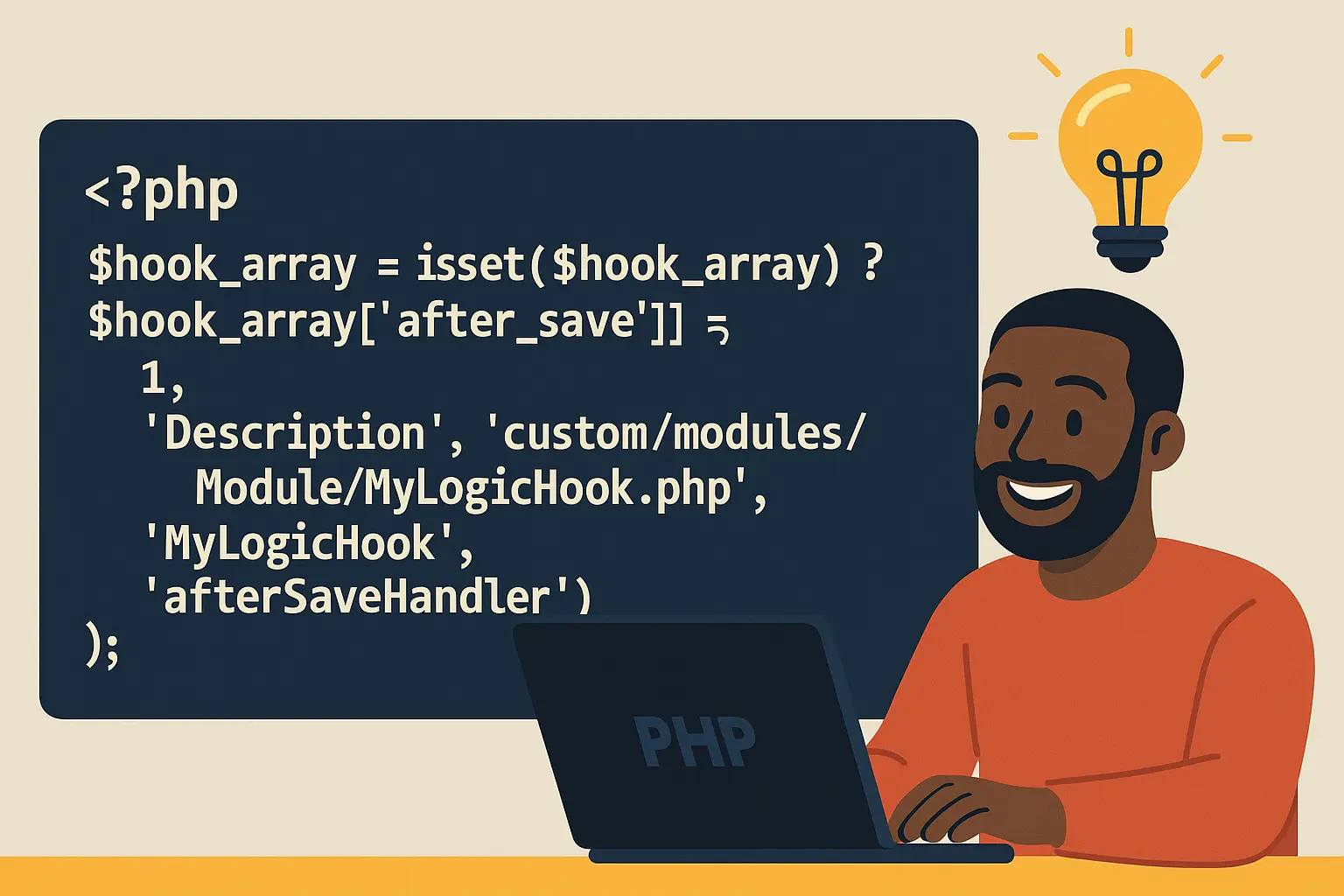
Pick your module, choose the event (before_save, after_save, etc.), and give the class a name. Select a common action like 'Call webhook' or 'Set a field', then hit Generate code. The tool spits out two snippets: the logic_hooks.php registration and the PHP class.
- Copy the registration block into
custom/modules/'YourModule'/logic_hooks.php(or add it undercustom/Extension/modules/'YourModule'/Ext/LogicHooks/). - Save the PHP class to
custom/modules/'YourModule'/YourClass.phpusing the exact path shown. - In SuiteCRM, run Admin ? Repair ? Quick Repair and Rebuild.
- Test by saving a record in that module and check
suitecrm.logfor your log lines.
That's it—upgrade-safe, copy-paste simple. If you need to tweak payloads or add conditions, open the class file and adjust the method body. Keep it light and you'll stay fast.
How Logic Hooks Work Behind the Scenes
A logic hook is essentially a PHP function that the SuiteCRM framework calls when a certain event occurs. You register this function in a logic_hooks.php file inside the custom directory of the module or at the application level. Each hook entry specifies:
- Event name - for example before_save, after_save, before_delete, after_retrieve.
- Priority - a number to control the order if multiple hooks run on the same event.
- File path - where SuiteCRM can find the PHP class and method to execute.
- Class and method - the actual code that performs the action.
When the event fires, say a user edits a Contact and clicks the Save button, SuiteCRM checks whether any hooks are registered for that event. If there are, it loads the specified class and calls the method, passing in the current bean (record), the event name, and an arguments array.
Because the hook runs in the same PHP process as the save action, it executes immediately and can modify data, prevent changes, or trigger external calls in real time. This is the core advantage of a hook over a scheduled job or a workflow that runs on a timer.
Some of the Logic Hooks I've Built For My Clients
1. Data Quality Enforcement
Use a before_save hook to validate that certain fields meet business rules. For instance, ensure that a phone number is properly formatted or that an email address is unique before it's written to the database. If validation fails, you can throw an exception or set an error message that stops the save operation.
2. Automatic Field Updates
With an after_save hook, you can automatically update related records or populate calculated fields. For example, when a Case closes, you might set a 'Resolved Date' field or increment a counter on the associated Account.
3. Integration with External Systems
Hooks are ideal for real-time integrations. An after_save hook can send a JSON payload to a marketing automation platform like HubSpot, call a webhook that triggers a Slack message, or update a cloud storage system. Because you have full access to PHP and cURL, there are few limits on where the data can go.
4. Access Control and Record Protection
A before_delete hook can check whether the record is referenced elsewhere or whether the current user has sufficient privileges, and if not, prevent deletion. This is far more granular than standard role-based permissions.
5. Scheduled Follow-ups
While hooks themselves are not schedulers, they can create follow-up tasks or meetings automatically. For example, an after_save hook on Opportunities can create a follow-up call two days later if the stage changes to 'Negotiation.'
Best Practices for Clean, Maintainable Hooks
Because hooks operate at the code level and fire automatically, good habits keep your CRM fast and stable. A poorly engineered hook can wreck system performance:
Use the custom directory
Always place your hook files under custom/modules/<ModuleName>/ or custom/Extension/modules/<ModuleName>/Ext/LogicHooks/. Code placed in the custom folder survives SuiteCRM upgrades and is easier to version-control. If you don't heed this warning your code can be overwritten by an update or even a Quick Repair/Rebuild.
Keep the code lean
A hook runs every time its event fires. If it performs heavy database queries or long external API calls, users will notice delays when saving records. Offload lengthy processes to background jobs where possible.
Handle errors gracefully
Use $GLOBALS['log']->error() or logThis() for clear logging. When throwing exceptions, provide helpful messages so administrators can diagnose issues quickly.
Use priority wisely
If multiple hooks fire on the same event, their priority numbers determine the order. Use lower numbers for critical checks like validation and higher for less critical tasks.
Version-control and document
Treat hooks like any other source code: commit them to a Git repository, and document the purpose of each hook inside the class file and in your internal documentation.
Debugging and Testing Hooks
Testing is straightforward if you plan ahead:
Temporarily set the log level to Debug in config.php to capture detailed output in suitecrm.log.
Use $GLOBALS['log']->info('Custom message'); liberally while developing.
If a hook is not firing, double-check the logic_hooks.php path and that the class and method names match exactly.
Remember that some events, like after_relationship_add, only fire when relationships are created through the UI, not through certain API calls.
When a hook throws an exception, SuiteCRM will roll back the transaction and display an error. This is helpful when you intentionally want to prevent a save or delete.
Deployment Tips
Deploying a new logic hook is as simple as copying the PHP file and updating logic_hooks.php. But in production environments, a few extra steps are wise:
Backup first - even small code changes can have big effects.
Use a staging environment - test with real data before pushing live.
Clear the cache - SuiteCRM caches metadata aggressively. A quick 'Quick Repair and Rebuild' from the Admin panel ensures the system recognizes new hooks.
Common Misconceptions
Hooks are only for developers - Not necessarily. With tools like your on-page generator, even non-developers can produce boilerplate code that a developer can quickly review and deploy.
Hooks slow down the system - Only if they are poorly written. Simple field updates or short web requests add negligible overhead.
Hooks break during upgrades :Hooks stored in the custom directory and registered correctly persist through upgrades. The only time you might need to revisit them is when the core data model changes in a new SuiteCRM release.
Q & A
Q: What's the difference between before_save and after_save?
A: A before_save hook runs just before SuiteCRM commits data to the database. You can modify field values or block the save entirely here. An after_save hook fires immediately after the record is saved, which is perfect for actions that depend on a confirmed database write, such as sending a webhook or creating related records.
Q: Can a logic hook update related modules?
A: Yes. Inside the hook you have access to $bean and can use the built-in relationship methods to update related modules, create linked records, or recalculate rollup fields.
Q: How can I call an external API from a hook?
A: Use PHP's curl functions or libraries like Guzzle. For example, an after_save hook might json_encode the $bean data and POST it to a third-party service. Always handle errors and timeouts to avoid slowing down user saves.
Q: Are application-wide hooks possible?
A: Absolutely. Instead of placing files under a specific module, place them under custom/Extension/application/Ext/LogicHooks/. These fire for events across all modules and are great for cross-cutting tasks like audit logging or system-wide validation.
Q: How do I debug complex hooks?
A: Start with $GLOBALS['log']->debug() calls to log variables and decision points. You can also temporarily var_dump() and die() in a staging environment, but avoid this in production.
Q: What's the best way to stop a hook from running temporarily?
A: Comment out its array entry in logic_hooks.php or set its priority to a very high number if you need to disable it without deleting the code.
Q: Can logic hooks be chained?
A: Yes. You can register multiple hooks for the same event and module. Their priority numbers determine execution order. You can also call other PHP functions or classes inside a single hook to create multi-step processes.
Q: Do hooks work with REST API calls?
A: They do. Hooks fire whether a record is saved through the UI, an import, or the REST API, as long as the underlying save logic is used.
Q: What about performance on large imports?
A: If you import thousands of records, every record triggers the relevant hooks. If heavy logic runs inside them, the import will slow down. For bulk operations, consider a flag to temporarily skip non-critical hooks or move long-running tasks to a scheduled job.
Q: How should I name classes and methods?
A: Use clear, descriptive names that reflect the module and action, like AccountsLeadNotifier or before_delete_protectInvoices. Consistency pays off when you come back months later.
Q: Can hooks send email directly?
A: Yes. You can use SuiteCRM's Email class or PHP's mail() function to send notifications or attach documents as soon as an event occurs.
Q: How can I ensure upgrade safety?
A: Keep all files in custom/ paths and never modify core files. After major upgrades, run a Quick Repair and Rebuild to refresh caches and ensure the hook is still registered.
Q: Is there a way to restrict a hook to run only for certain users or roles?
A: Yes. The $arguments array includes context such as the current user. You can check $GLOBALS['current_user']->id or role membership before executing logic.
Bringing It All Together
If you found our SuiteCRM logic hook generator helpful, you'll love the other CRM-centric content on our site. If, during your logic hooking journey you stumble upon tons of dirty data, give our free data deduplication software a spin. Jet Purge Lite allows you to scrub data, sanitize, and normalize all without having to store sensitive data in the cloud. And, for my fellow devs who don't like writing long, complicated SQL statements, we've developed Easy Query Lite, the free SQL query builder .

Posted by: Matt Irving on 09/22/2025