How to Migrate from vTiger to SuiteCRM (Step-by-Step Migration Guide)
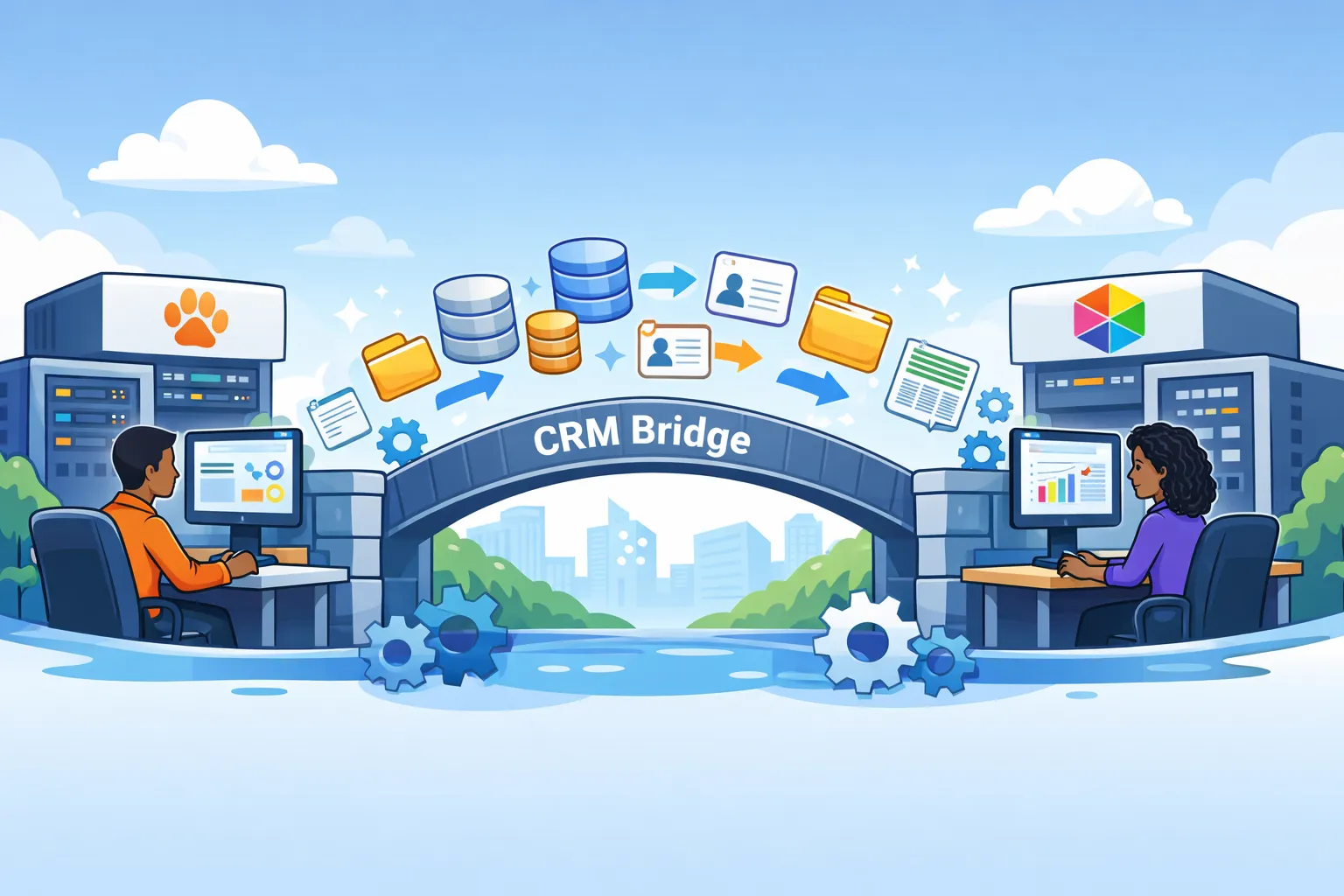
CRM migrations are rough, particularly when you are moving from one open source CRM to another. You won’t have a ton of vendor support and may have to rely on outdated forum posts and AI bots who don’t possess a ton of insider knowledge. Fortunately, with over a decade of experience in the CRM realm, I’ve performed dozens of migrations just like this with my most recent adventure being moving a client from vTiger to SuiteCRM.
It was no simple feat but using my toolkit and CRM migration framework, I was able to get my client up and running in one week’s time. Here’s how you can successfully migrate from vTiger to SuiteCRM.
Clean Your Data
As the saying goes, garbage in, garbage out. I’ve written at length about the perils of dirty data in your CRM on this site. It's costly, causes tons of re-work, and frustrates staff to no end. If you’re looking to clean data without breaking the data, check out my free CRM data cleaner. And, when you’re done there, remove duplicate data the smart way with my smart depuplication tool.
Note the Differences in System Architecture
vTiger and Suite both forked from Sugar CRM back when it was open source. As such, they share similar features and system architecture. Both are running PHP, MySQL and run best on Apache. However, the two are more like descendants than siblings. Here are some of the main differences that often trip engineers up when migrating.
- Notes: vTiger uses nested notes and gives you the ability to @ someone. It's very reminiscent of a forum thread. SuiteCRM, however, uses ‘History’, it treats each note like a formal entry into a log. You add a subject, body, attachments, and nesting is not native.
- Documents: vTiger organizes files by date, i.e. dir/2026/Mar/. Suite uses a flat directory like Sugar, i.e. upload/. Filenames in vTiger use the original file name plus its ID. Suite renames the file entirely to its record id. Suite also supports full version history natively while vTiger does not.
- ID Number: vTiger uses integer based IDs (1, 2, 3). SuiteCRM, however, uses UUIDs. These are long strings that look like this 29393e1-9381i.
- Relationships: All SuiteCRM relationships use parent_id and parent_type. For example, parent_id is the UUID and the parent_type is an object like Account or Contact. vTiger, however, takes a hub and spoke approach. Instead of having a record keep the relationship data directly, it uses a central table called vtiger_crmentity.
Understanding these structural differences ahead of time will save you hours of troubleshooting during the migration process.
Start Mapping Data
Mapping the data is going to be a bit of a journey as you aren’t just importing a bunch of csv files. You’re rebuilding a very sophisticated yet fragile web. This step must be done carefully as failure here can result in data being mismatched or skipped on the import. For this reason, I highly recommend creating a CRM bridge. This will serve as your Rosetta Stone throughout the migration process and contain mappings for IDs, custom fields, and more. I prefer to store this info in a temp table in MySQL, but Google Sheets works just fine. Here’s a sample table you can use.
If you want a broader framework for planning the work itself, check out my CRM data migration project plan.
| vTiger Field Name (Contact) | SuiteCRM Field Name (Contact) | Type | Migration Note |
|---|---|---|---|
| firstname | first_name | Text | Straight mapping. |
| lastname | last_name | Text | Required in SuiteCRM. |
| account_id | account_id | Relate | Requires the Account UUID. |
| email1 | Text | SuiteCRM handles emails in a separate table. | |
| mobile | phone_mobile | Phone | Rename for core module recognition. |
| title | title | Text | Straight mapping. |
| contact_no | contact_id_c | Custom | Required: Store the vTiger ID for reference. |
| mailingstreet | primary_address_street | Area | Map all "Mailing" to "Primary." |
| mailingcity | primary_address_city | Text | Straight mapping. |
| mailingzip | primary_address_postalcode | Text | Note the name change. |
| imagename | photo | File | Requires moving physical files to /upload. |
| description | description | Text | Straight mapping. |
| leadsource | lead_source | Dropdown | Check that picklist values match exactly. |
| birthday | birthdate | Date | Check format: YYYY-MM-DD. |
My Migration Stack
Whether I’m migrating open source CRM data or I’m moving data to Dynamics 365, I always use these tools. Not only are they powerful and modular, they’re either low cost or free.
- Python: Does most of my dirty work when it comes to data transformation and analysis.
- MySQL Workbench: a free database desktop client that I use to insert data directly into the app and build my CRM bridge.
- SuiteCRM Importer: Suite has an importer for each module (accounts, bugs, leads, contacts, etc)
- Codex by OpenAI: For tasks like these, Codex outperforms Claude when it comes to accuracy. You don’t need an IDE dwelling AI agent for this one but it's a bit faster than a web based tool. If you can only use a web tool, I recommend Gemini.
Migration Order
Almost as important as data mapping is the order in which you migrate the various modules into your system. To ensure you maintain the records history (who created it, touched it last, etc.), it's important to import the users first. Once you’ve got them in, it's time to fill in the CRM bridge table with their new user ids. These will be needed to fill in the created by and modified by fields of your records. Here’s the proper order for a successful migration.
- Users
- Accounts
- Contacts
- Bugs (Tickets, Cases, etc).
- Notes
- Documents
Note: Children don’t do well without their parents. Likewise, importing records without their relationships will result in broken data. Once relationships break during import, fixing them later is extremely time consuming.
Your import sequence will vary depending on the number of custom objects and business processes but I recommend following this simple principle. Import the people who use the system first. Then import the people and companies stored in the system. After that, import everything connected to them like notes, calls, meetings, files, and opportunities.
Prevent Users from Entering Data Into The Old CRM
The main annoyance of any CRM migration is users adding data into the old CRM after the cutoff date. Having to migrate data twice, solely because someone failed to read an email is a surefire way to anger even the most mild-mannered engineer. To prevent this from happening, place the old CRM into maintenance or developer mode. This mode will prevent anyone who isn’t an admin from logging in.
It may seem harsh, but it's necessary to prevent errors and re-work.
Common Mistakes that Happen During Migrations
Here are some of the most common mistakes I’ve seen when migrating from vTiger to SuiteCRM.
- Picklist value conflicts
- Leading 0s being stripped
- Time outs
- False Created By Values
- Failing to import inactive users
Picklist value conflicts
Both platforms give you the option of using dropdowns but they handle them differently. vTiger uses literal strings, i.e. “Super Easy” while Suite uses an item name and display label. So on the UI its “Super Easy” but the real value “super_easy”
Leading 0s being stripped
This is common with all migrations, some custom values may require leading 0s be preserved. If you open your file in Excel, it will sometimes strip them or convert to scientific notation. To prevent this, open csv files in something like Notepad++ or Visual Studio Code.
System Timeouts
This will depend on your php configuration, but generally the app won’t let you import files endlessly. Larger files tend to time out and when they do, you run the risk of data loss. Batch larger files into chunks using Python scripts. Refrain from doing so manually.
False Created By Values
This happens when you import records without first importing all users who created them. Without specifying an assigned user id, all records will look like the admin created them.
Failing to import inactive users
You don’t need to re-active them but you want to map their new ID values in SuiteCRM so you keep accurate history. This is especially important in highly regulated environments like healthcare.
Avoiding these pitfalls will save you hours of work down the road. The scary part about a few of these, particularly failure to import inactive users, is that you won’t notice it happened until you need the record. This may occur a couple weeks post go-live or years later during an audit.
Rewrite Reports and Workflows
Reports and workflows are two of the only things you cannot directly import from vTiger into SuiteCRM. Document the most business critical reports and workflows and start rebuilding them. Be sure to check in with the users and confirm which reports are actually being used to save time. Reports are sometimes on an ad hoc basis to solve a very specific problem and never used again.
This is the same with workflows. Check and see when the last ones ran, how many records were modified or created, and have the business confirm they are still relevant. If you have a ton these like AI help re-create them. Head over to your favorite tool and use the following scripts.
For workflows:
"I am migrating a CRM from vtiger 8.x to SuiteCRM 8.x. Please act as a CRM Architect. I have a vtiger workflow with the following logic:
Trigger: [e.g., When a Lead is Saved] Conditions: [e.g., Lead Source is 'Web' AND Status is 'Cold'] Action: [e.g., Send an email to the Assigned User and create a Task called 'Follow up'].
Please provide a step-by-step configuration guide for SuiteCRM 8 Workflow (AOW). Specifically, tell me which Workflow Module to select, what Conditions to set (using SuiteCRM's underscore_key format), and how to configure the Actions to match the vtiger behavior."
For reports:
"I need to rebuild a vtiger 8.0 Report in SuiteCRM 8.1.1.
Report Name: [e.g., Sales Pipeline by Month] Primary Module: [e.g., Opportunities] Related Modules: [e.g., Accounts and Contacts] Fields to Display: [e.g., Opp Name, Amount, Expected Close Date] Filters/Grouping: [e.g., Group by Sales Stage, Filter by 'Close Date' in the next 30 days]
Please explain how to set this up in the SuiteCRM Reports (AOW_Reports) module. Include instructions on how to handle the 'Grouping' and 'Totaling' of the Amount field, as I know the UI for these two systems handles aggregates differently."
The Document Dilemma: To Import or to Integrate?
At present, there is no native or third party tool that handles migrating vTiger files into SuiteCRM. If the number of files is relatively small, you could move them manually or employ an RPA bot to handle it. However, if there are a vast number of files, it's a good time to pivot into a better document management system like SharePoint or Google Drive.
The benefits here are twofold: One, you get a much lighter, more performant database/server without all the file bloat. Two, you gain version control, which is lacking in many CRM systems.
For my Microsoft centric clients, I’ve always exported files from the CRM system and stored them in SharePoint.
Final Testing Before the Big Day
Before you release SuiteCRM to the wild, follow these steps to ensure a smooth go-live.
- Record counts match between systems
- Random Accounts and Contacts match exactly (perform a thorough quality check on a large sample size)
- Notes and activities appear under the correct records
- Documents open correctly
- Reports return expected numbers
- Workflows trigger correctly (use only test data here, you don’t want real campaigns flying off prematurely)
- Users can log in and see their records
- Scheduled jobs are running
- Email settings work
- Permissions are correct
- Dashboards load correctly
How Long Should You Keep The Old vTiger Active?
As a general rule of thumb, I recommend keeping the old system accessible for at least 90 days. You don’t need to keep all the user accounts active, just designate a person from each department as the data retriever. No migrations are perfect and even the best planned projects leave a couple things behind.
The important thing is to ensure no one is adding new data to the system. For the select few with active accounts, set their permissions to read only to prevent any mishaps. Once you’re past the 90 day mark, you can determine if it's safe to put the old application and database files into cold storage and decommission the server (if applicable).
Ready to Switch? Quick and Painless vTiger to SuiteCRM Migrations
Migrations are never easy, but they are the perfect time to shed technical debt, clean house, and start fresh in a newer, faster system. vTiger and SuiteCRM are both juggernauts in the open source arena that share a common ancestry in SugarCRM. They’ve each branched off on their own and there is no push-button way to move data between them. For that, you’ve got firms like mine that bring over a decade of experience in CRM solutions along with free, practical guides for you to get hands-on…should you dare. If you’re ready to take the leap, I’m only a DM away on LinkedIn or any of the socials listed below.

Posted by: Matt Irving on 03/22/2026