Why I Stopped Building Workflows and Started Building Systems
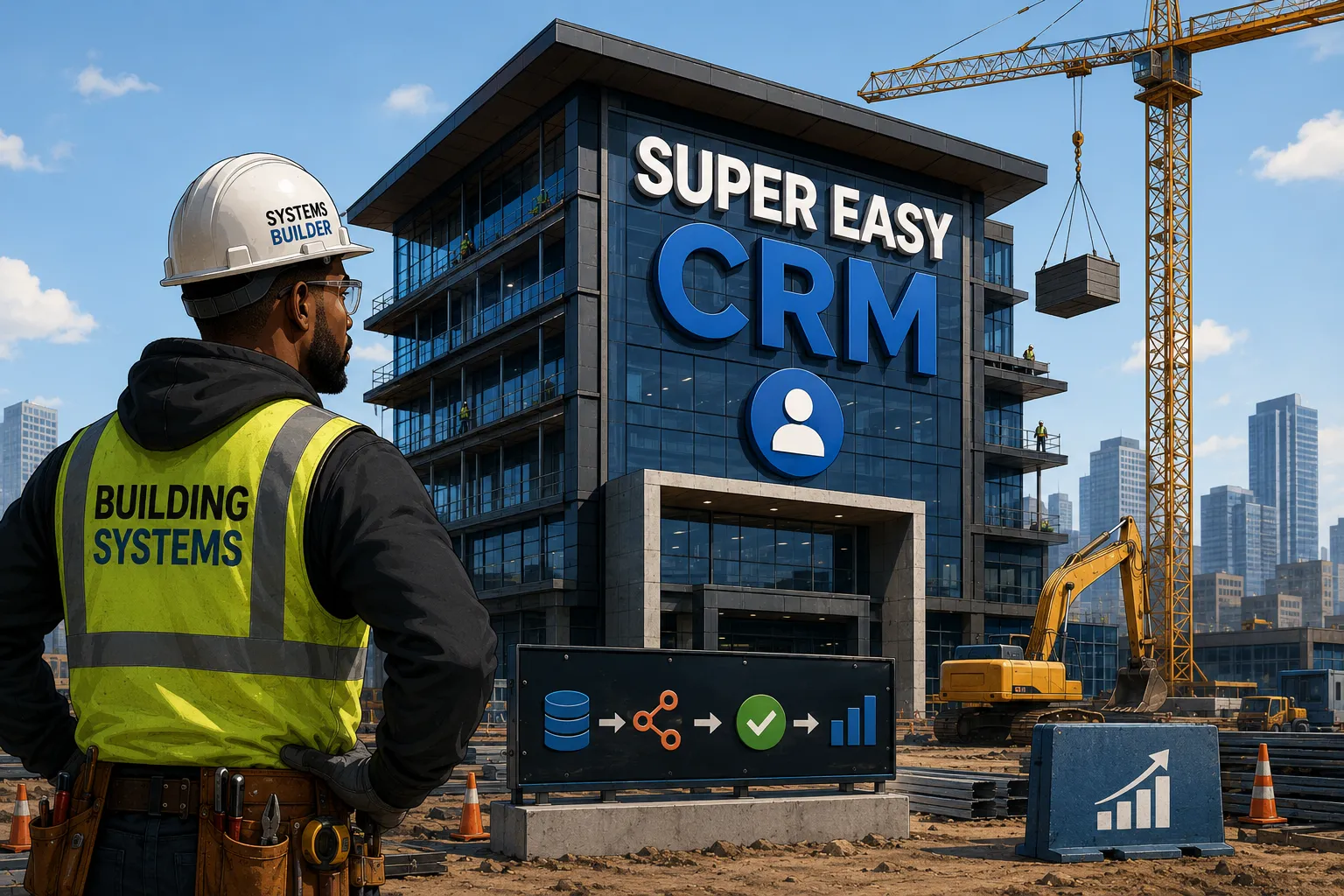
Workflows solve tickets. Systems solve the reason the tickets keep showing up.
Truthfully, I didn't start out believing that. I started out building workflows, because that's what clients ask for and it's what most automation work actually looks like day to day. You scrape a lead, then enrich it, and finally drop it into a table. Or you draft a follow up, then score a lead, and summarize a call. Each one solves a real problem, and for years I measured my work by how many of those I could ship.
Somewhere around the second or third dozen, though, I noticed the same pattern showing up on almost every engagement. A workflow would go live, everyone would be thrilled for a month, and then a slightly different version of the same request would come back. This wasn't because the workflow broke, rather, because the business had changed just enough that the narrow path I'd built for it no longer covered the new shape of the problem.
That's when the question I was asking myself started to change. I stopped asking what workflow does this client need, and started asking what system would make this workflow unnecessary in the first place, the kind of thing that wouldn't need to be rebuilt every time the business shifted six degrees, because it was never designed around one specific task someone needed done on a Tuesday.
That's the actual difference between the two. A workflow does one thing well and falls apart the moment you need something slightly different from it. A system is built so that when you need something slightly different, there's already a path for it, because the system was designed around how the data actually needs to move. The tools underneath a system change constantly. The logic they're built on shouldn't.
Most CRMs make you fight for information you already earned
I felt this problem firsthand long before I had the right words to describe it, back when I spent four years running CRM automation at a credit union, on an on-prem install of SugarCRM. Reps knew they were supposed to log every call and update every lead, and most of them tried, for about a month.
Then, people simply chose simplicity over the established process. Getting to the right screen took too many clicks, half the fields that mattered were miles deep into the UI, and a rep who'd just spent twenty minutes on the phone with a member wasn't about to spend another five fighting the CRM to record what happened. So they didn't, not consistently, and the CRM slowly stopped reflecting what was actually going on in the pipeline.
Nobody was lazy, the system just made the wrong behavior the path of least resistance. And I've watched that same pattern repeat at every company since. It's the same root cause behind every silent operational gap I've traced back to a human forgetting a step nobody built a safety net for, whether that's a missed field update or a notification that quietly never went out.
Everybody wants the same outcome out of a CRM:
- Closed deals
- More efficiency
- A clear read on what's actually happening in the pipeline
Nobody's really upset at the destination. They're mad at the journey, and that just means you have more of a system problem than a people problem.
A CRM should feel as welcoming and approachable as a spreadsheet, because a spreadsheet never intimidates anybody. You open it, you see rows and columns, you know exactly where to click. But it also needs the power of an Autobot underneath that simplicity, strength and capability doing the heavy lifting in the background while the surface stays simple enough that nobody dreads opening it. That rep at the credit union would have logged every call if logging one had taken five seconds instead of five minutes.
Highly adopted CRMs look like a spreadsheet but work like an Autobot.
Approachability only gets you so far without something underneath doing the work
None of that friction goes away just because the CRM looks friendlier, though. It goes away when the CRM stops being the only door. A system gives you more than one way in:
- Emails logged automatically instead of copy and pasted after the call
- A mobile option for a note the second you walk out of a meeting
- A form or a signed contract somewhere else entirely kicking off something that pulls information in or pushes it out, without a human bridging the gap by hand
I've taken this as far as building a CRM around a client's Gmail inbox instead of asking him to ever log in at all, because the CRM getting all the benefit and the person doing none of the manual entry isn't a compromise, it's the actual goal. But every one of those entry points is only as good as what's actually receiving them on the other side, which is where the architecture underneath the CRM stops being a nice-to-have and starts being the whole point.
How the pieces actually fit together, and why staging changes what you're willing to automate
Super Easy CRM is the home base, the system of record everything else answers to. And, Otto isn't another chatbot bolted onto a CRM, it's the interface to the entire system. Whether that means creating an automation, analyzing a lead, or kicking off a workflow, you don't need to know which technology underneath is actually doing the work, you describe the outcome you want and Otto figures out which part of the system handles it.
That range is the point. Ask Otto to build a follow up sequence for a new lead source and it builds one. Ask it something completely different, show me every deal that's been stalled more than thirty days, and it queries the same system the same way, because it was never just an intake tool wearing a chat interface.
The logic behind either of those requests gets defined once in the Automation Builder, a no-code surface for building it out instead of asking Otto to reconstruct it from scratch every time. n8n is the engine underneath actually executing what the Builder defines, replacing what used to require a separate orchestration tool entirely, and middleware, in my case a suite of Python bots I call the Serpent Squad, sits in front of all of it, cleaning and normalizing data before it ever reaches the CRM.
This is the same reason I build automation the other way around from how most people set up n8n, with the CRM deciding when something is worth acting on and n8n only ever showing up once that decision's already been made. It's not a person remembering to kick off a workflow, it's a condition being met inside the system that already knows the most about the client.
None of that automation is safe to run against real data by default, though, and that's why I built staging areas directly into Super Easy CRM. Most enrichment stacks solve this problem by never touching the CRM at all, running everything inside a spreadsheet a human works from by hand:
- Airtable holds the working data
- Make orchestrates the automation
- Apify scrapes it
- AnyMail Finder and Apollo verify and enrich it
Which is exactly why so many businesses end up running their real pipeline out of a spreadsheet with automations duct taped to it instead of an actual CRM. Super Easy CRM replaces two of those pieces outright. Make gets replaced by n8n running underneath the CRM. Airtable gets replaced by the automation staging area, built directly into the CRM itself, mirroring the same contacts, leads, and objects it shadows so closely that an automation running against it behaves exactly as it would in production.
The staging area is where all of this happens before anything is real.
Nothing in staging is load bearing until you decide it is. A record can be scraped, scored, and rewritten a dozen times without a single change reaching a rep's queue, because staging and production are different surfaces reading from the same shape of data, not the same table with a filter on it.
Syncing is what actually moves something across, and it's a deliberate, field-level action rather than a background side effect. You review what came through, approve only what you want written into production, and if a record changed on the live side while its counterpart sat in staging, the sync surfaces that conflict for a person to resolve instead of silently picking a winner. That's the actual value of the sandbox, not just that mistakes are contained, but that you get to see the outcome before it becomes real, on your own terms.
Here's what all of that looks like end to end for one lead:
- A new lead comes in from a form no CRM was ever going to see directly
- The Serpent Squad picks it up, normalizes the fields, and checks it against existing records so nothing gets duplicated
- n8n drops it into staging under the same contact object it'll eventually live in for real
- Otto scores it and drafts a first follow up using logic set up once in the Automation Builder
- A person glances at both and approves the sync
Only then does it become a real record with a follow up already sitting in a rep's queue, and at no point along the way did a spreadsheet get touched or a bad scrape get a chance to reach anyone who mattered.
What you're actually buying
Most companies think they're buying a CRM, when what they're really buying is a system for deciding what should happen next. The workflows will change, the AI models will change, and the automation platform underneath all of it will probably change too, but the business logic shouldn't have to.
That question I started asking years ago, what system would make this workflow unnecessary, is the same question Super Easy CRM is my answer to. Not another place to store contacts. The system every other system reports back to.

Posted by: Matt Irving on 07/07/2026