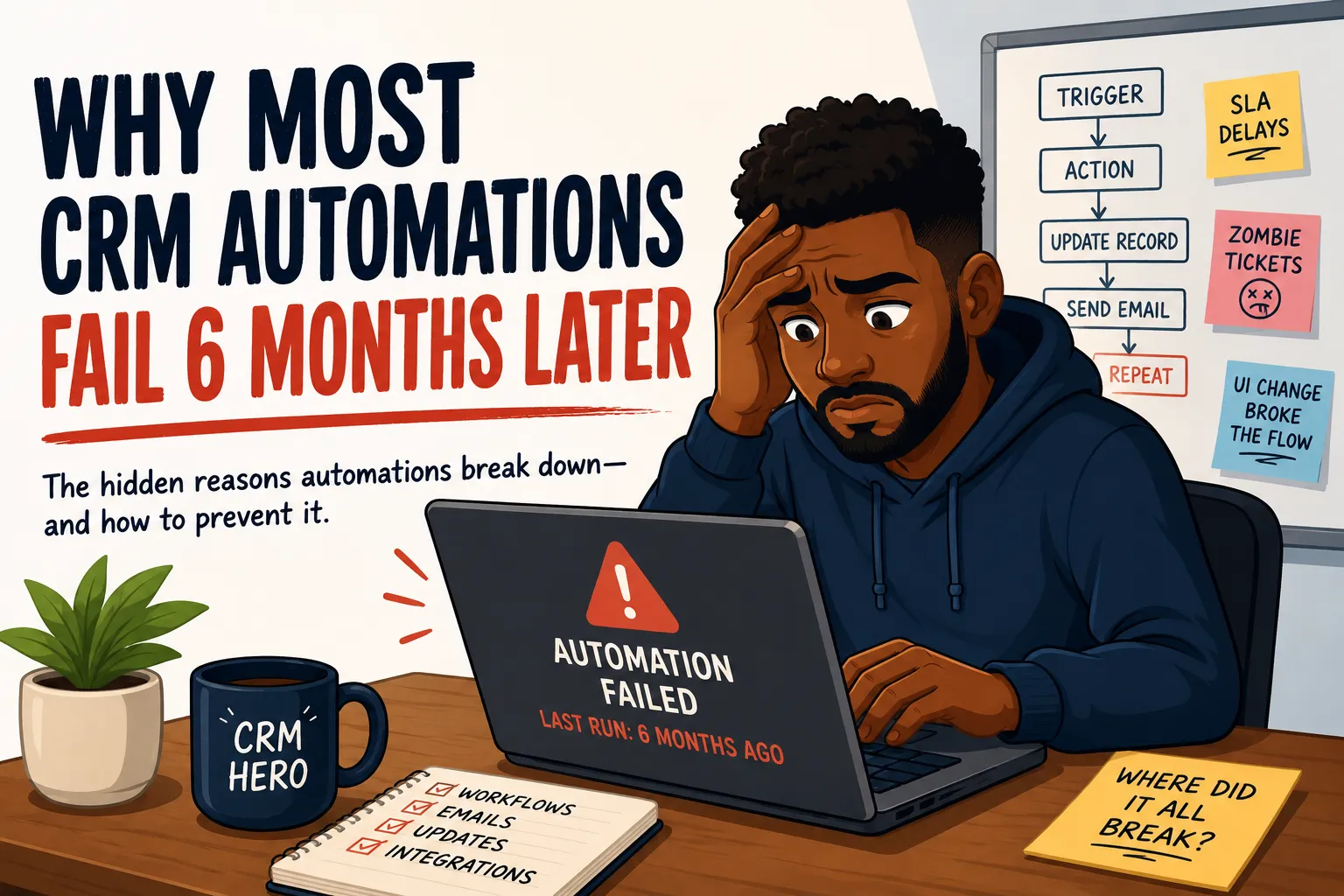
After weeks of planning, hours of tutorials, workflow mapping, and testing, you finally ship the perfect automation that saves your business tons of money and time with CRM automations that save hours every week. You’re feeling like an AI wizard, the next Sam Altman even. Then, about six months later, half of the automation is broken and no one knows why.
This isn’t a rare occurrence, nor is it hyperbole. It is a result I’ve seen time and time again with most CRM automations. And, it is rarely the fault of the platform itself. Rather, it's the people and processing surrounding the software. Here are some of the most common ways I’ve seen CRM automations collapse after the honeymoon phase passes.
Personal Email Use Over Service Accounts
This one is uber common, completely avoidable, and yet one you reading this article is actively doing this. Someone builds an automation in Power Automate, Zapier, or
n8n
and authenticates it using their personal work email. The automation runs fine for months, firing off emails, updating records, and triggering workflows without issue.
Then that person leaves the company, or even changes their password and overnight, every automation tied to that account is felled in an instant. I’ve also seen a more malicious reason this happens. The person that set up the automation purposely does so under their name so that in the event they are fired or just angry with the organization, everything burns. This form of mutually assured destruction is fairly common in the tech industry, especially with smaller businesses that don’t have a ton of IT oversight.
A single disgruntled employee can one-shot your entire pipeline and every automation if they fail to use a service account.
Fortunately, the fix is pretty simple but it requires someone with enough foresight to implement it before it becomes a problem. Always authenticate automations through a service account. Create a dedicated email like automations@yourcompany.com, assign it the minimum permissions it needs to do the job, and never let a human's personal credentials hold the whole thing together. That service account won’t sabotage you, seek revenge, or go on paternity leave.
Pro Tip: Ensure that account is exempt from password rotation rules. If you change the password in something like Power Automate, you’ll have to go through and re-authenticate every workflow. I had to do this for around 90 different cloud flows once and it was painful.
Zombie Tickets and Unreliable SLA Numbers
When someone exits a company, their CRM records do not automatically clean themselves up. Tickets, tasks stay open. Tasks stay assigned. Cases that were mid-flight when they walked out the door just sit there, unassigned in practice but still technically owned by someone who no longer works there.
These are zombie tickets. They are not going anywhere, they are not getting resolved, and depending on how your SLA automation is configured, they are silently wrecking your metrics.
Here is the problem. Your SLA automation is watching ticket age. It is set up to escalate anything that has not been touched in 48 hours, flag overdue cases to a manager, and report on average resolution time at the end of the month. All of that logic is working exactly as intended.
But it is running against a pool of data that includes tickets permanently frozen in the name of someone who handed in their badge six months ago. Those tickets are aging out every single reporting period and skewing your average resolution time. They are triggering escalation alerts that go to a manager who looks at the assignee, realizes it is a former employee, and manually closes it out. And the same situation repeats itself with the next departed rep's backlog.
The automation is not broken itself isn’t the problem, the data its operating on is.
The fix requires an offboarding process that is tied directly to your CRM. When an employee is marked inactive or deprovisioned in your HR system, or Active Directory/Entra, that should kick off a workflow that reassigns their open tickets and tasks to a manager or a holding queue for review. It should not be a manual checklist item that gets skipped half the time because HR and the CRM admin are two different departments who do not talk to each other.
I’ve been at places with no HR and no dedicated CRM admin, which meant sometimes people were laid off and kept accounts
until someone noticed their SLAs were off and went digging.
If your SLA reports have looked suspiciously bad for months and you cannot figure out why, pull a ticket list filtered by assignees who are no longer active users. You might be surprised what you find rotting in there.
UI Changes That Nobody Warned the Robot About
CRM platforms push updates constantly, I actually made a few before penning this article. Most of the time those updates are harmless enough, there may be a visual refresh or a re-organization of a settings menu. But every so often an update moves or renames a field, restructures a page component, or deprecates a UI element that an automation was built around.
If your automation is built on a browser-based trigger or a web scraping layer that reads page elements, a single CSS class rename can detonate the whole thing. This is especially common in automations built with tools that interact with the DOM rather than a proper API.
The more reliable approach is always to build against the API when one is available. APIs are versioned and changes are typically announced ahead of time. The UI is changed whenever the product team feels like it.
If you are stuck using UI-based automation, document every element your workflow touches and build in monitoring so that when something breaks you find out before your client does.
Redundant Fields and the Duplicate Data Problem
This issue is a fault of both the tech and business ops people. It’s the kind of thing that makes a technically working automation also completely busted at the same time.
Scenarios often play out like this: your team creates a field called primary_email_address and wires it into a drip campaign. The automation fires every time that field gets populated. Works great.
Three months later a new admin joins. They build out a support view and add a field called main_email_address because they did not know the first one existed, or they wanted something that sounded more intuitive to their team. Now you have two fields doing the same job.
The sales team sees primary_email_address in their view. The support team sees main_email_address in theirs. Half your users are filling in one, half are filling in the other. Your automation is only watching primary_email_address, so it is triggering for exactly fifty percent of the contacts it should be hitting. Nobody catches this because the automation is technically running without errors.
This is a governance problem as much as it is a technical one. CRM admins need a documented field schema and a process for reviewing new fields before they go live. If anybody can add a field to a view without cross-checking existing ones, you will end up with a data model that looks like a yard sale.
Vendor Lockout and Feature Sunsets
CRM platforms evolve, and not always in directions that are friendly to the automations built on top of them. Features get deprecated, rebranded, or replaced entirely, and the migration path is rarely a straight line.
SugarCRM's sunset of its legacy Workflow module in favor of BPM is a good example. Organizations that had spent years building workflow logic in the old module had to migrate everything to a new system that operated differently. Not all workflow logic transferred cleanly, some features became deprecated resulting in some things being rebuilt from scratch. Teams that had not documented their workflows thoroughly found out how dependent they were on institutional knowledge rather than actual records.
This is not unique to SugarCRM. Any platform can pull the rug out from under a feature set between major version upgrades. The protection against this is documentation and diversification. Know what your automations depend on at the platform level. When upgrade notes mention deprecations, treat them seriously. And when possible, build on APIs and integration layers that are more stable than native workflow engines.
Silent Failures and Poor Error Handling
This one is sneaky because the automation does not blow up dramatically. It just quietly stops doing its job and nobody notices until something downstream goes wrong.
Most automation platforms will retry a failed step a few times and then give up. If nobody has set up alerting or logging, that failure disappears into the void. The workflow shows as executed. The record looks updated. But the email never fired off and the lead never moved over to the next milestone.
Good automation design includes explicit error handling at every step that touches an external system. Sure it makes the flow longer and a bit harder to read. If an API call fails, log it somewhere visible. If a record update does not return a success response, trigger a notification. The goal is to make failures loud and obvious, not silent and invisible.
A dashboard that shows green across the board while half your automations are silently erroring out is worse than no monitoring at all because it breeds false confidence.
No Guardrails on an Automated System
Giving an automation free reign over your CRM without guardrails is like telling your barber "surprise me” when you sit in the chair for a haircut. If you want a good haircut or automation the service needs to know what it can and cannot touch.
Business processes change. Sales strategies shift. Leadership decides that certain lead types need special handling. The humans on your team get the memo in a meeting or a Slack message and adjust their behavior accordingly. The automation does not attend meetings and it is not in your Slack.
Here is a real example of how this goes wrong. A company decides that any lead marked as closed-lost should first be escalated to a senior salesperson before the record is finalized. It is a reasonable rule. Maybe there is a second chance there, or maybe the contact is worth keeping warm. The entire sales team follows this process.
The automation does not. It sees the closed-lost status, fires the closure sequence, and buries the lead. Nobody knows until a rep mentions that a six-figure opportunity they flagged for review somehow got blasted with a loss notification before anyone could look at it.
Automations need conditional checks that account for business rules, not just data states. They need review stages built into high-stakes actions. And they need to be updated every time a process that touches their logic changes.
The automation is not wrong. It is doing exactly what it was told to do. The problem is that what it was told to do is now out of date and nobody updated it.
The Remedy: Fix the Process, Don’t Replace the Tech
Fortunately none of these failures require you to run out to bid for a new CRM vendor or massively overhaul your current system. Tech ages like milk and there aren’t any real solutions that are truly set and forget. Automations need to be owned, monitored and treated like production code.
People processes will topple even the most robust tech solutions. As such it's imperative that you put safeguards in place to protect your automations…from you. Ensure you’ve got service accounts, not individual ones for automations that require authentication. And most importantly configure your automations so they fail loudly. A silent failure can go undetected for months and results in tons of lost revenue and productivity when estimated vs actual time starts slipping.
If you are building CRM automations and want a platform that is designed with these problems in mind, Super Easy CRM gives you the structure to build on without the landmines. Otto, our built-in AI agent, operates with guardrails that you define and human decision points by design because we have seen what happens when the robot does not get the memo.
