Why No One Trusts Your CRM and How To Fix That
Series: How to Make Your CRM the Source of Truth · Part 1
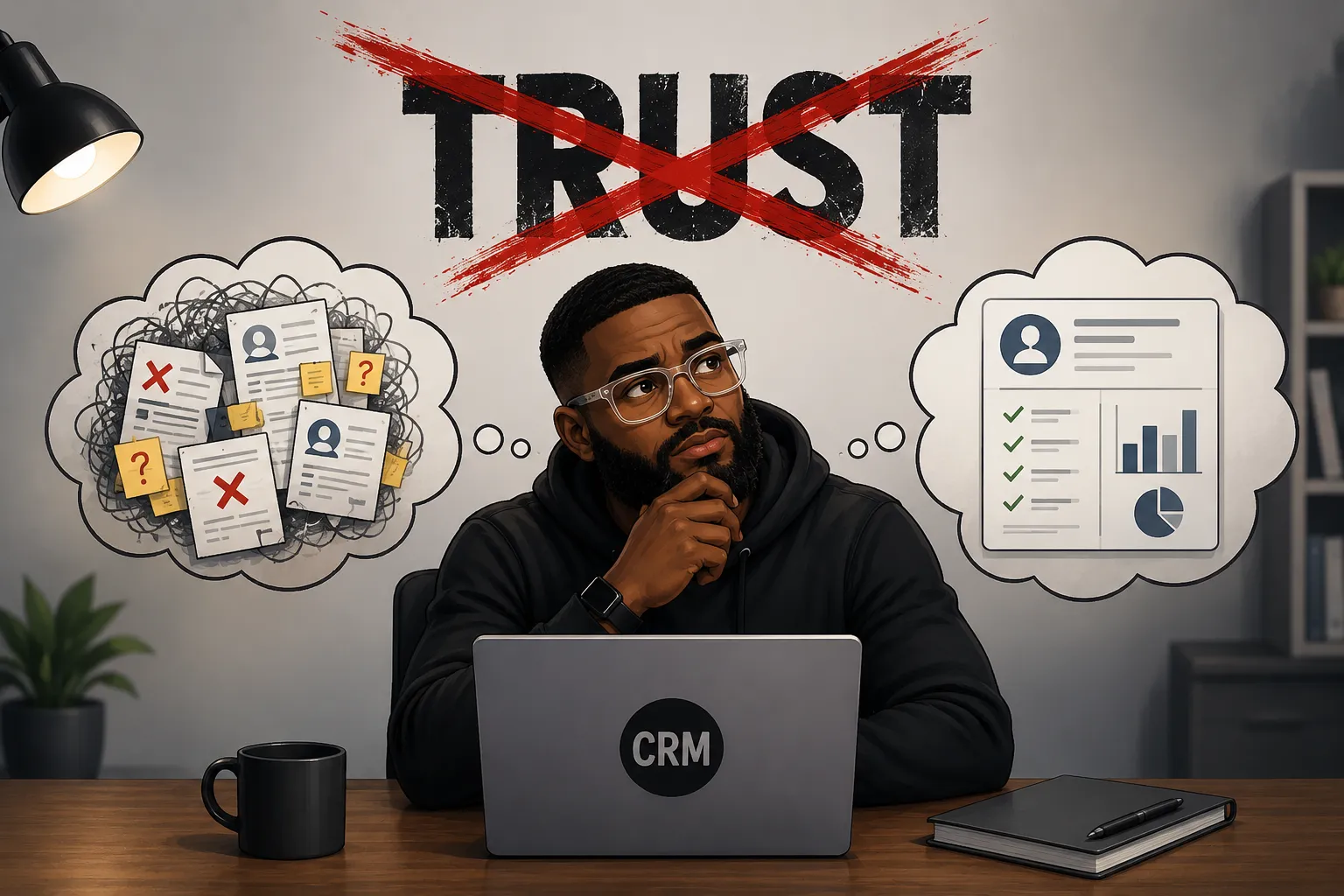
Your CRM has lied to your team before. Not literally, of course, it did not make anything up. But at some point it showed someone the wrong phone number, or a deal stage that had not been updated in three months, or a contact record with two conflicting dates of birth and no clear way to know which one was right. That person made a decision based on that data, and it did not go well.
That is the moment trust breaks. And in my experience working across consulting and SaaS, it usually only takes one. You can deliver value 99 times in a row, but one significant misstep is what people carry with them. The same principle applies to your CRM. Once the system has shown someone it cannot be relied on, they stop relying on it. They open a spreadsheet, they text a coworker, they work around the system entirely.
The frustrating part is that the CRM is rarely the real problem. The causes of CRM mistrust are almost always fixable, and most of them have nothing to do with which platform you are on. This is the first post in a series on making your CRM the actual source of truth in your business. Let us start with why it is not one right now.
A poorly configured CRM will break just as many hearts as it does deals.
What kills CRM trust
- Over-customization creates duplicate and conflicting fields nobody can reconcile
- Human data entry misses, mistypes, and skips information at scale
- Overwhelming UI pushes reps to fill in the minimum and move on
- No collaboration layer means work gets managed in inboxes instead
- Slow performance trains people to find faster workarounds
- Perceived low cost causes teams to dismiss the tool before giving it a chance
- Shadow systems pull data out of the CRM and into spreadsheets nobody shares
Trust Killer #1
Over-Customization Gone Wrong
CRMs are infinitely customizable, and that sounds like a feature. It is, until it becomes a liability.
I once worked with a healthcare firm that had three variations of "date of birth" on the same patient record: DOB, Patient DOB, and Date of Birth. Depending on the view a staff member had open, they would update one field and leave the others untouched. Someone looking at the record an hour later would see conflicting information with no way to know which entry was correct.
Nobody created those fields maliciously. Someone added the first one, a second person did not see it and added another, and the third probably seemed like it was filling a gap. Over time the system became a minefield of similar-sounding fields that meant slightly different things to different people.
The Fix
Audit your fields regularly, merge duplicates, and agree on a naming standard before you build. If two fields are capturing the same data, one of them needs to go. Over-customization is self-inflicted, which means it is also self-correctable.
Trust Killer #2
Over-Reliance on Human Entry
Most businesses run on a stack of apps: a CRM, an accounting platform, a marketing tool, maybe payroll software. When information needs to move between those systems, the default in many organizations is to have a person do it. That person is overworked, running on caffeine, and managing a dozen other things. Data will be missed, mistyped, or skipped entirely.
The remedy is to stop asking people to move data and start building triggers that tell systems to do it automatically. I wrote about this in more depth over at MattFlows using what I call the PTAO framework. The short version is that you want processes, triggers, and actions doing the routing, with oversight built in rather than manual effort at every step.
For most SMBs, tools like Make.com or n8n are more than capable of handling this. If you are in healthcare or finance and working with sensitive data, you may need something custom or Power Automate for its compliance controls. But in all cases, the principle is the same: robots should move data, not people. If you find yourself asking whether you need to hire someone just to keep up with data entry and follow-ups, it is worth reading this piece on whether your CRM can carry that load first.
Trust Killer #3
A UI That Exhausts People
This one sounds superficial, but it is not. A confusing interface is a direct driver of CRM abandonment.
When a sales rep opens a contact record and sees 40 fields, 15 of which they have never used and 10 of which they do not understand, they stop engaging with the record fully. They fill in what they know, leave the rest blank, and move on. Multiply that across a team of five reps over six months and you have a CRM full of incomplete records that nobody trusts.
The Fix
Role-specific views solve most of this. A rep does not need to see the fields an ops manager cares about, and vice versa. Show people what is relevant to their job and hide the rest. The data still exists in the system; it just does not get in the way of the person doing their work.
Trust Killer #4
The CRM That Will Not Let You Work Together
This one came into focus for me during a credit union engagement. The team was managing member accounts, loan applications, and service requests across departments. Multiple people needed visibility into the same record at different stages of the process, and they needed to hand work off cleanly.
The CRM they were using had none of that. There were no comment threads on records, no way to flag a record for a colleague, no structured handoff between teams. So they improvised. Loan officers forwarded emails with context buried in a chain. Service reps kept notes in a shared Google Doc that nobody maintained consistently. Decisions were made on incomplete information because the complete picture was scattered across three inboxes.
A CRM that cannot support collaboration will push people out of it. Every record needs the ability to add a comment, ask a question, or leave context for the next person who touches it. Workflows need to exist so that work can be handed off formally, with accountability, rather than through a forwarded email and a prayer. This is where cases and ticket management matter, and if you want to see how ticket types plug into automation to catch what humans miss, this post covers it in detail. If your CRM does not support them natively, your team will build a project management system inside their inboxes, and the only project management tool worse than Microsoft Project is Gmail.
Trust Killer #5
System Performance
Nobody stays in a slow system. If a rep has to wait four seconds every time they pull up a contact record, they will find a faster way to work. That faster way usually does not involve the CRM.
Performance issues in cloud-hosted CRMs often come from over-customization at the backend level. Every custom field, every complex report, every dashboard widget with a unique data pull adds to the query load running in the background. The system is joining tables, pulling from multiple sections of the database, applying filters, and rendering it all at once. Push that too far and you will feel it in load times.
"The CRM is slow" and "the CRM is wrong" produce the same outcome: people stop using it.
The Fix
Customize intentionally and audit the results. If a report is slow, figure out why. If a dashboard widget is rarely used, remove it. Performance is a trust issue as much as a technical one.
Trust Killer #6
Perception of Cost
This is a less obvious one, but I have seen it play out enough times to know it is real. The moment people on your team find out the CRM you are using is inexpensive, open-source, or self-hosted, some of them will mentally write it off. Even if it does exactly what you need, even if it is stable, accurate, and easy to use. In their minds it becomes a $2 steak. Sure, it works, but would the expensive one not be better?
You cannot always prevent this, but you can limit it. The price you pay for your tools does not need to be common knowledge. That information should stay with the people who manage the budget. Beyond that, never confuse cost with quality. There is no one-size-fits-all CRM, and a tool that handles your use case well is the right tool, the same way a Honda makes more sense than a Ferrari if you are just heading to the grocery store.
Trust Killer #7
Shadow Systems
Shadow systems are just as deadly as the Shadow Realm Yugi would send people to in Duel Monsters. Reps start a spreadsheet to track their pipeline the way they want to see it. Someone else keeps a running notes doc with context that does not fit anywhere in the CRM. A manager builds a separate tracking sheet because the CRM reports are not reliable enough to present.
Before long, your most valuable sales data lives outside your CRM entirely. And because these shadow systems work well enough for the individual maintaining them, there is no urgent reason to stop. The CRM becomes a formality, something people update grudgingly because management asked, not because they actually use it to do their work.
The only way to address shadow systems is to make the CRM more useful than the spreadsheet. That usually means better views, faster performance, fewer required fields, comment threads on records, and automations that reduce the work of keeping it current. When the CRM makes someone's job easier, they stop running a parallel operation. One caveat worth mentioning: automations that are set up poorly become their own trust problem down the road. If you are going to build them, understand why most of them fail six months in before you get started.
The common thread across all of these is that CRM trust is earned through consistent, reliable delivery. Every time someone opens a record and finds accurate, complete information, the system earns a little credibility back. Every time it shows conflicting data, loads slowly, blocks collaboration, or requires manual work that could be automated, it loses some.
So Where Do You Start?
The rest of this series covers each of these problems in depth, with practical fixes you can apply in most CRM platforms. Start with the area that is causing the most pain for your team right now. If you are not sure, ask your reps where they keep information outside of the CRM. Whatever they tell you is where you have a shadow system problem, and that is usually a good place to begin.
The goal is not a perfect system. The goal is a system people trust enough to use consistently, because that consistency is what makes the data reliable, and reliable data is what makes every downstream decision better. That is what source-of-truth actually means in practice, and we will build toward it piece by piece.
A lot of the issues covered here, duplicate fields, stale records, no collaboration layer, manual data movement, are things Otto handles automatically inside Super Easy CRM. If you want to see how it works in practice, take a look at the platform.

Posted by: Matt Irving on 06/01/2026