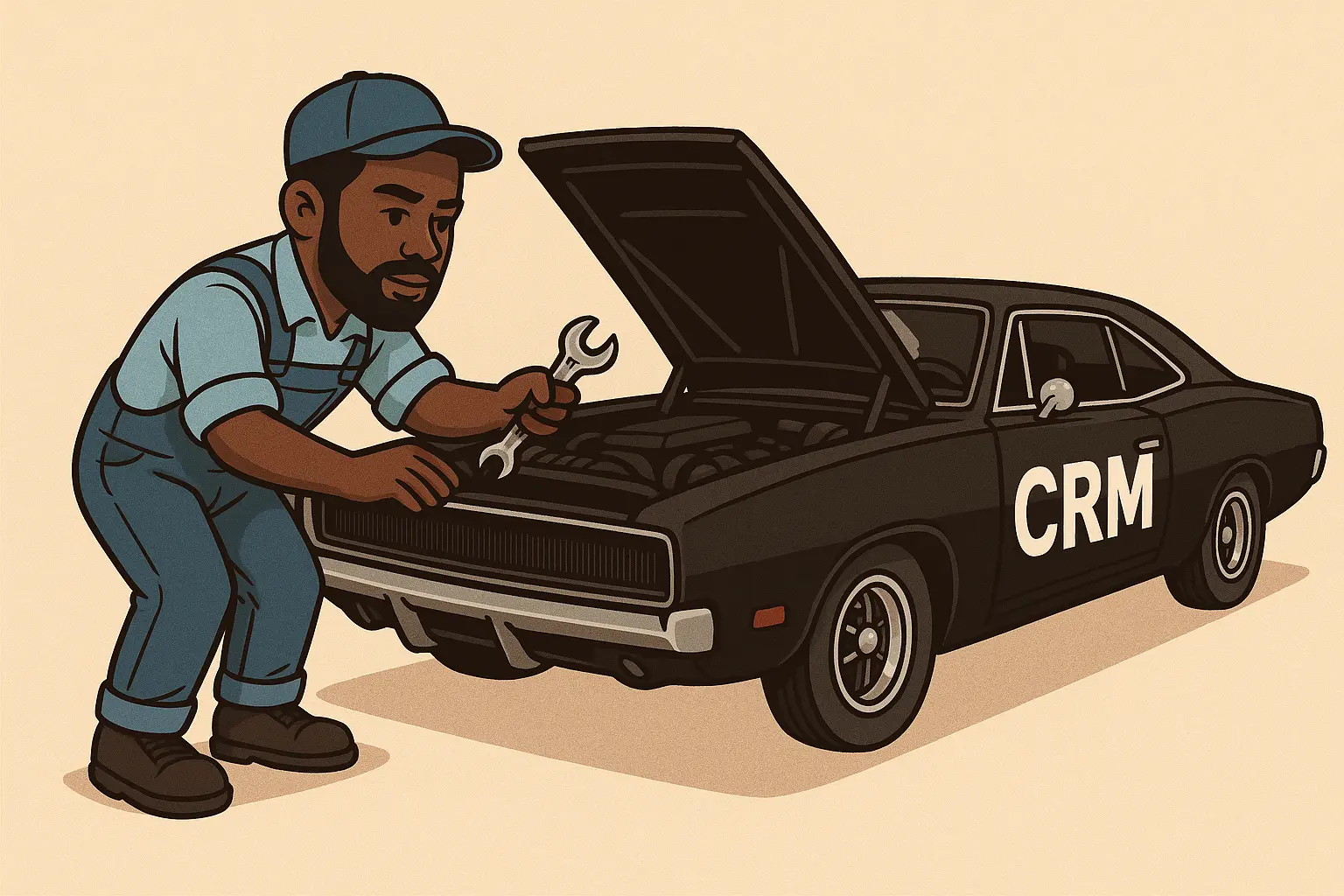
After about a year or so of constant use, your CRM database can become a cluttered mess. Leads may remain unassigned for months, tickets may float around unresolved, and contacts may have grown stale. Each of these pitfalls costs businesses thousands of dollars and results in lost productivity. To prevent these nasty issues from plaguing your precious CRM you’ll need to implement a maintenance plan.
Now, the frequency of this and its complexity will depend on your unique processes and workflows but there are certain things I’ve found to be nigh universal to all businesses. Remember, neglecting maintenance on your CRM can be as bad as putting off oil changes on your car. First step, start by setting a baseline for what your data should look like.
Setting a Baseline For Your Data
Establishing a benchmark for your data isn’t as daunting as it sounds. It's essentially just describing what the minimum requirements are for certain records in your database. Things like ensuring all clients have an assigned agent or all tickets reach a resolution within a certain time period are all valid metrics to strive for.
Here’s a list I use for my clients that you can steal for your own business:
- All Tickets, Leads, Companies, Contacts, and Projects have an assignee.
- Zombie tickets must be laid to rest.
- All tickets must have a priority.
- All support tickets must have a description.
- Leads that have not been contacted in X weeks/days must be archived or engaged again.
- Projects with 0 activity in X days/weeks must be flagged for review.
- Support tickets that breach SLA(s) must be flagged for review.
- Clients/Contacts that generate more than X tickets in X days must be identified.
- Delete bounced email addresses or invalid formats
- Remove redundant or unused custom fields
- Remove unused or unneeded automations
- Audit licensed users (ensure no department employees/vendors have access)
- Audit/review permissions
- Audit/review system accounts (API users, vendor/consultant accounts, etc)
- Audit/review system integrations
- Remove dummy data
These are just a few simple but impactful actions you can take to dramatically improve the data integrity and performance of your CRM. It may even save you a good chunk of change if you run platforms like Hubspot that charge based on the types of contacts you store.
Common Signs Your CRM Needs Maintenance
If you're unsure whether your CRM is overdue for a tune-up, look for these red flags:
- A lot of noise from the sales team regarding lead assignment
- Reports with inaccurate outputs and duplicate records
- Automation emails flying about to the wrong recipients or not at all
- Tasks and support tickets remain unresolved for weeks on end
- You can’t easily discern which leads are dead
- Dashboards still show KPIs based on last quarter’s goals
- People have access to things they don’t need/shouldn’t be able to view
- Your CRM fees are high but overall record usage is low
If you nodded your head ‘yes’ to any of these, it’s time to pop the hood and see what’s going on. Within a few minutes of the analysis, there are typically a few things that jump out, begging to be fixed.
How Often Should You Perform CRM Maintenance?
The answer depends on how active your system is, how many users you have, and how often you onboard or offboard staff. Here’s a general guide:
- Monthly: Duplicate merging, ticket aging, email validation
- Quarterly: Automation testing, reporting review, lead engagement analysis
- Biannual: Field cleanup, permission audits, user feedback loops
- Annual: Full audit, archive cold data, update workflows, rebuild dashboards
You can use the internal CRM calendars, automations, Power Automate, or whatever your favorite tool is to set reminders. Just be sure to block out a good portion of your day for this as the cleanup can be labor intensive depending on what you uncover.
Additional CRM Maintenance Tips
Beyond the baseline, here are additional tasks that will keep your CRM running efficiently:
- Standardize dropdown and tag values to reduce fragmentation.
- Merge duplicates using fuzzy match (email plus name plus company).
- Use color-coded filters to flag stale leads.
- Build filters for no contact in 90 plus days or no owner assigned.
- Revisit and rename outdated pipelines.
- Delete old filters and saved views that clutter the interface.
- Test every form and lead capture point monthly.
- Document field naming conventions and standards.
- Review time zones and user locale settings.
- Analyze bounce rates and clean dead email domains.
- Track inactive users and deactivate accordingly.
- Reorder dashboard widgets based on current KPIs.
- Re-tag leads and contacts based on updated lifecycle stages.
- Review lifecycle automations for errors or irrelevant steps.
- Check syncing issues with integrations like calendars and email.
Encourage Data Standardization From Day One
Data chaos often starts with inconsistent input. One team member logs a company as “Acme Corp,” another as “Acme Corporation,” and a third as “ACME.” This kills your filters, skews your reporting, and wastes hours of time.
To stop the chaos before it begins, standardization must be part of your training and processes:
- Create a shared data entry guide (how to format names, dates, emails, tags)
- Enforce required fields during entry (no skipping lead sources or tags)
- Use dropdowns instead of free text wherever possible
- Train your team quarterly on CRM hygiene best practices
- Add automation to correct known formatting issues when feasible
The more structure you build into the system, the less you’ll need to clean it up later.
Invest in CRM Training to Prevent Future Problems
One of the easiest ways to avoid a messy CRM is to make sure your team knows how to use it correctly. Without regular training, even the best system will eventually break down.
Here are some training areas I recommend focusing on:
- How to log activities properly (calls, emails, notes)
- How to assign or reassign leads
- When to close tickets or deals
- How to use filters, dashboards, and saved views
- How to escalate stale leads or dead records
- Who to ask when something breaks
Consider holding short refresher sessions during onboarding, after system updates, or when you add new automation. You can even gamify good data hygiene with monthly leaderboards or quality checks.
Special Considerations for HubSpot Users
If you're using HubSpot, there's a whole other layer of cleanup that's worth doing. HubSpot is powerful, but it's also easy to bloat. And, the more bloated it gets, the more you pay.
Here’s what I always look for when I’m cleaning up a HubSpot instance:
- Marketing contacts: Make sure you're not paying for contacts you haven't emailed in months. Just because they're in your CRM doesn't mean they need to be marked as "marketing contacts."
- Unused workflows: Over time, businesses create dozens of workflows, many of which end up abandoned. Some still run in the background and do more harm than good. Clean those out.
- Custom properties: If you've got a bunch of unused fields cluttering up every contact or deal record, archive them. HubSpot makes it easy to do if you know where to look.
- Deal stages: Sales reps often use deal stages inconsistently. Standardize these and run automation off them once you’ve got alignment.
- Form submissions: Tons of leads sit in the system because no one assigned them. Fix your assignment rules and set alerts.
A clean HubSpot instance will save you money, reduce automation mistakes, and help your team actually trust the data they're looking at.
Why CRM Maintenance Saves You Money
A clean CRM saves you more than just time. It has direct and indirect financial impact:
- You close more deals when your pipeline is clear and current.
- Sales reps waste less time chasing junk data or ghost leads.
- Marketing emails are more deliverable and personalized.
- You avoid compliance risks by deactivating unneeded user accounts.
- You can lower your CRM subscription tier by trimming record count.
For example, if HubSpot charges you for 5,000 contacts, but only 1,200 are active, a maintenance session could downgrade your plan or make space for real leads.
You can also check out this resource: CRM Downtime Calculator to see how much time and money is being lost in your system.
What I Offer for CRM Cleanup (Platform-Agnostic)
I provide flexible, platform-independent CRM cleanup services for businesses using HubSpot, Zoho, SuiteCRM, Salesforce, Freshsales, or even homegrown systems. Whether you're a solopreneur, coach, small team, or scaling company, my service is designed to meet you where you are.
Every CRM Cleanup Includes:
- Full audit of fields, users, records, and workflows
- Duplicate identification and removal using smart match logic
- Bounced or inactive email cleanup
- Tag and lifecycle stage standardization
- Automation and workflow testing
- User access and role audits
- System integration review (Stripe, calendars, APIs, etc.)
- Custom recommendations to maintain ongoing hygiene
For solo founders and startup teams, you might also find this helpful: The Ultimate Productivity Setup for SaaS Founders
Ready to Clean Up Your CRM?
If your CRM is clogged with stale leads, bad data, and half-broken automations, you’re not alone. Most businesses set up their CRM once and never touch it again…and they pay the price. Whether you need a one-time deep clean or ongoing CRM care, I can help. This service is entirely platform-neutral. I don’t sell licenses. I don’t push upgrades. I just help you fix what you already have.
Schedule your free CRM audit call by reaching out to us at contact@supereasycrm.com and find out where the gaps are or reach out to get a sample checklist you can run on your own. Your CRM should be an asset, not a burden. Let’s get it back in shape.
