Super Simple Free Query Builder
EasyQuery Lite Super Easy CRM
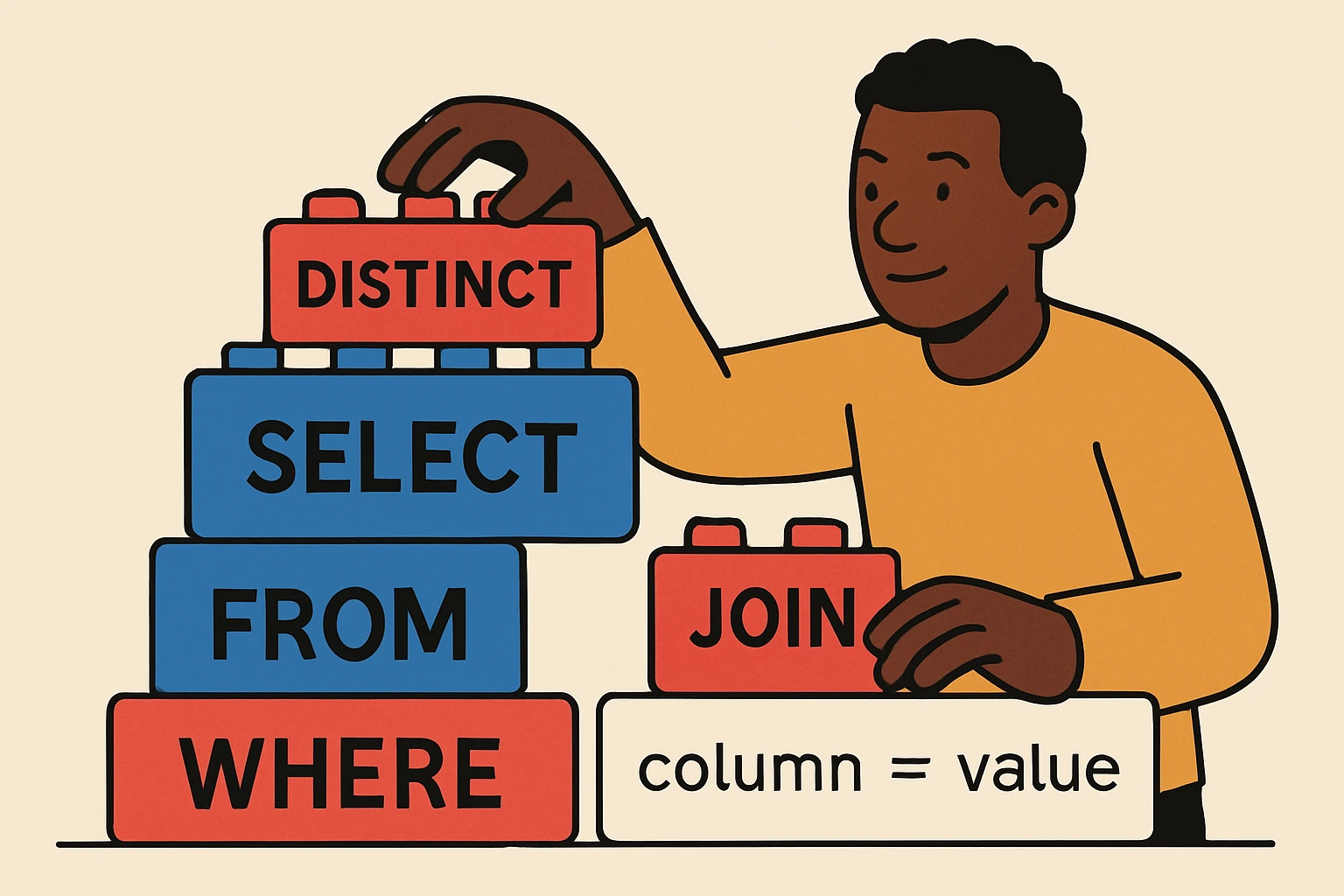
Build complex SQL without connecting to a database. Add tables, joins, fields, conditions, conversions, and long IN lists. Copy the generated SQL into your SQL client. Use :raw(...) to insert raw SQL segments.
1) Tables
2) Select Fields & Conversions
3) Joins
4) Where Conditions
5) Group & Having
6) Order & Limit
-- Your SQL will appear here
How to Use EasyQuery
Build powerful SQL queries visually—no live database connection required. Follow these steps to create and copy your query:
-
Add Your Tables – Click + Add Table, type the table name (e.g.,
suitecrm.prospects) and give it an alias such asp. Need more than one? Add as many as you like.
-
Build Your SELECT List – Under Select Fields & Conversions, add columns or expressions. You can type a field (like
p.id), a function (COUNT(*)), or even an inline conversion (CAST(price AS DECIMAL(10,2))). Use the alias box to name your output column.
-
Create Joins – Use + Add Join to pull in related tables. Pick the join type (LEFT, INNER, etc.), specify the right table and alias, and fill in the ON condition (e.g.,
p.id = c.id_c).
-
Add WHERE Conditions – Choose the field, operator, and value. Need to filter by a long list of IDs or emails? Paste them into the IN clause box below and click Apply to Last Condition. You can also insert raw SQL using
:raw(...)for full flexibility.
-
Group, Filter, and Sort – Use GROUP BY & HAVING to aggregate and filter aggregated results. Use ORDER & LIMIT to sort and control output size.
-
Generate and Copy – Hit Generate SQL to see your query instantly. When it looks right, click Copy SQL and paste it into your MySQL client, SuiteCRM console, or reporting tool.
More Free Data Management and CRM Tools Await
If you enjoyed using EasyQuery Lite, you’ll love the other free tools and in-depth guides we’ve created to help you keep your CRM clean and powerful:
-
Free Deduplication Software – merge duplicate records and save hours of cleanup time.
-
SuiteCRM Review – see why SuiteCRM remains a top open-source choice for growing businesses.
-
CRM Data Cleansing – learn proven methods to keep your database accurate and ready for automation.
Explore these resources to supercharge your data operations and build a CRM that truly runs itself.

Posted by: Matt Irving on 9/16/2025
- Role Based Scoping is 10x Better Than Department Scoping in Your CRM
- 4 Things You Can Do Right Now To Make Your CRM Less Annoying
- Why I Run My Job Search Through Super Easy CRM Instead of a Spreadsheet
- Why I Stopped Building Workflows and Started Building Systems
- AI Orchestration For All, Not Just Devs
- Want All the CRM Benefits Without Leaving Your Inbox? Here's How to Build It
- How to Get Your Whole Company Into the CRM
- How to Make Your CRM More Trustworthy (Without Nagging Your Team to Update It)
- Why No One Trusts Your CRM and How To Fix That
- When Your CRM Forgets, It's Expensive, Use Ticket Types Instead
- Do I Need a New Person, or Can My CRM Help?
- Why Most CRM Automations Failed 6 Months Later
- I Thought I Knew How Long Things Took. My CRM Proved Me Wrong
- How to Connect n8n to SuperEasyCRM and Automate Everything in Between
- My Top 5 CRM Automations That Save Hours Per Week
- What Really Happens When You Vibe Code a CRM (And How to Do It Safely)
- Google Sheets to Salesforce Migration Guide (Step-by-Step CRM Data Migration)
- How to Migrate from vTiger to SuiteCRM (Step-by-Step Migration Guide)
- 2026 Microsoft Dynamics 365 Migration Guide
- How to Use Dynamics 365 and Power Automate to Eliminate Manual Work
- Automate Prior Authorization Faxing in Dynamics 365 (Without New Software)
- CRM RFP Framework for Smart CRM Selection
- Your Spreadsheet Is Already a CRM. Here's How to Automate It.
- The Only CRM Data Migration Project Plan You'll Ever Need
- Free HIPAA Compliant CRM: How to Build Yours for $0